Payments just got easier
Log in to your Pliant dashboard on our website or download our mobile app using the link below to get started.


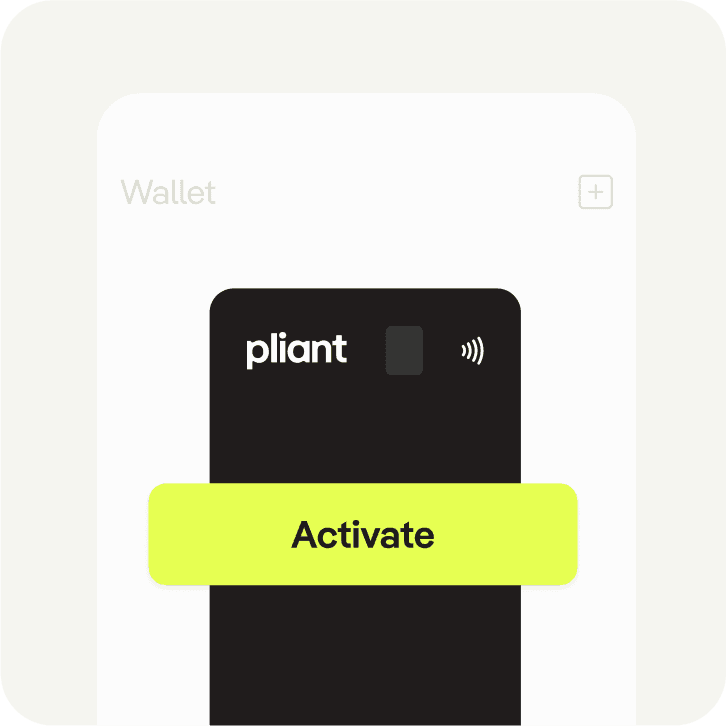
Activate your Pliant card in 4 simple steps
- 1
Log in to the Pliant app and go to “wallet”

- 2
Select your new card and tap "Activate card"
- 3
Enter the 4 last digits of your new card

- 4
Your card is activated and ready for spending
Credit cards that cover all your needs
Power your financial operating system with corporate credit cards for every use case.
Customizable for all use cases
Manage your physical cards spending with customizable controls and limits. Benefit from high credit limits for substantial transactions and tailored billing cycles that enhance your working capital. Accepted across various markets, corporate cards ensure seamless payments wherever your business operates.
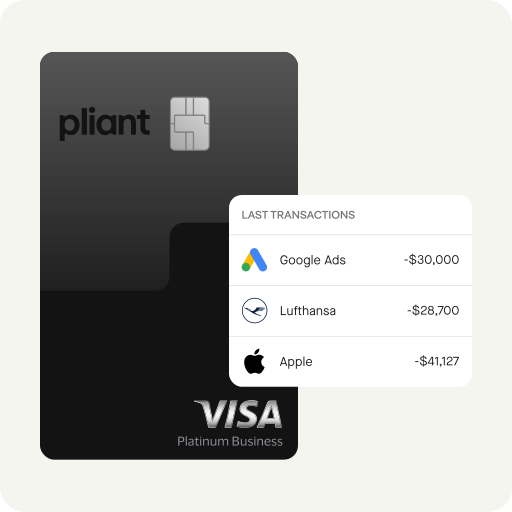
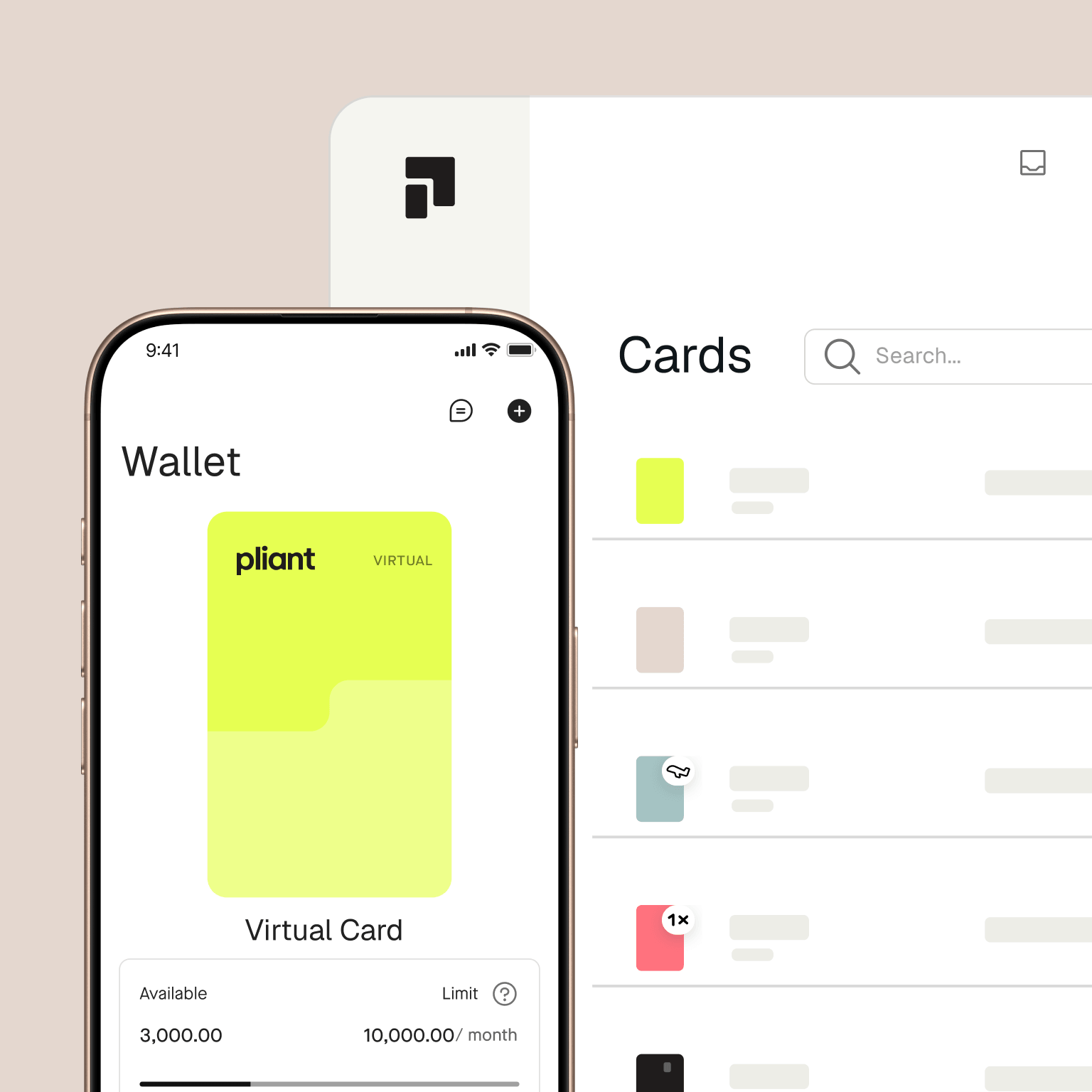
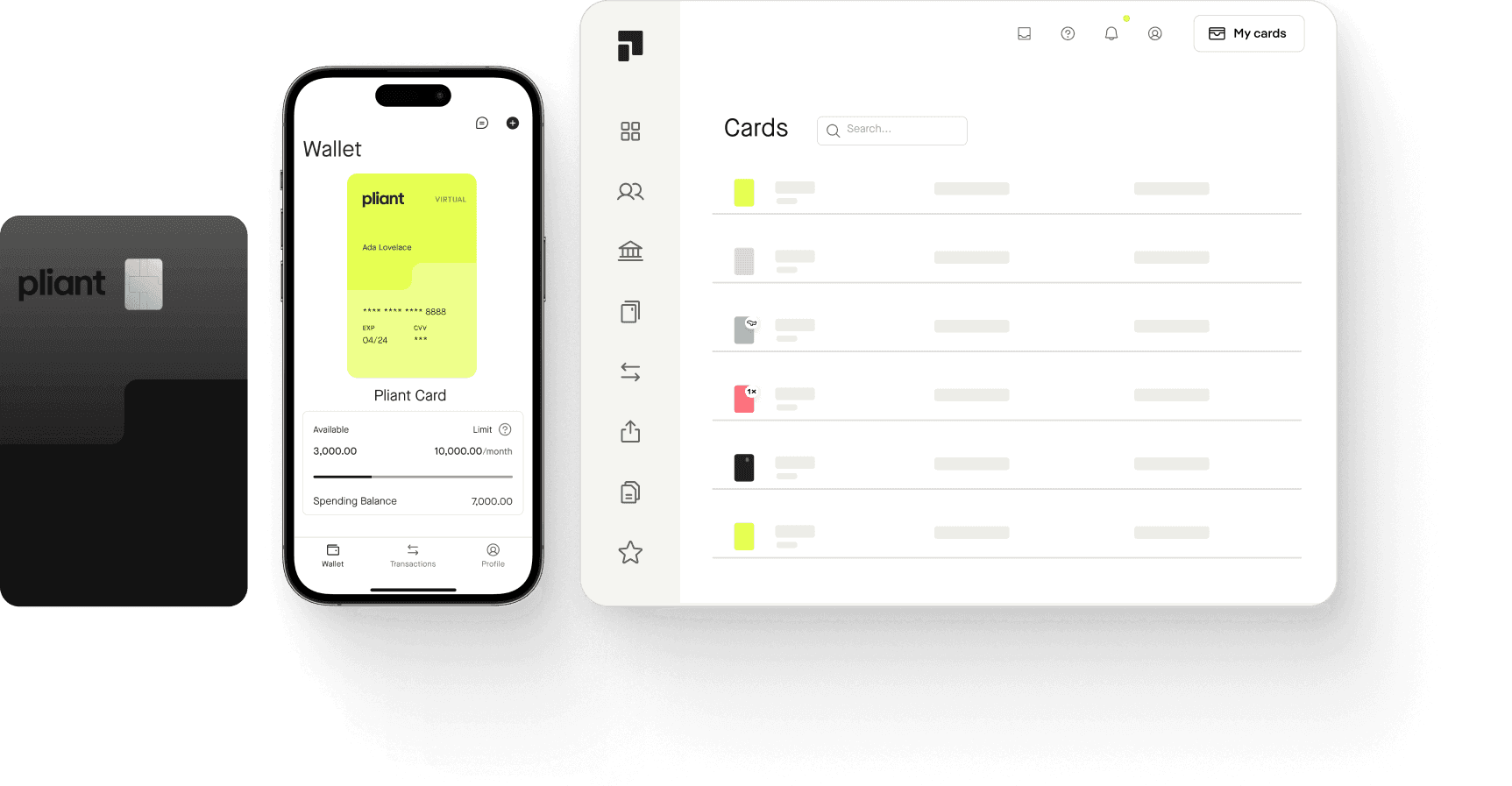
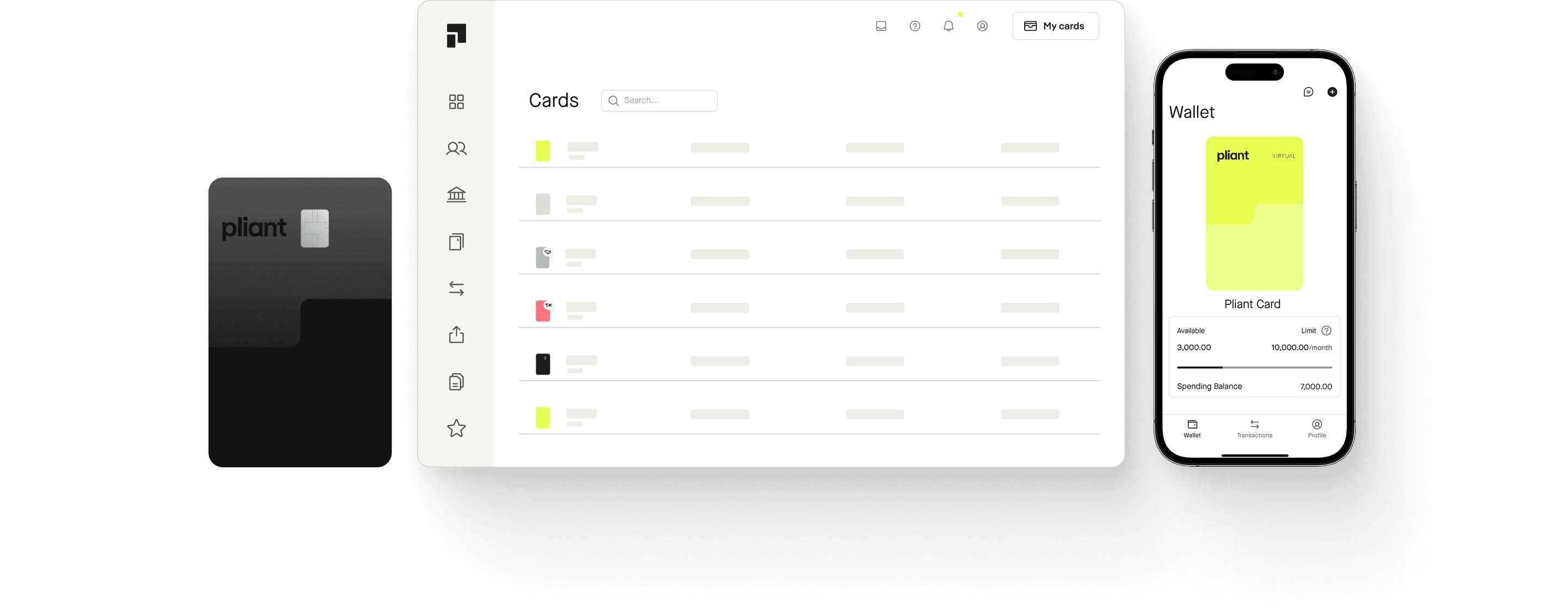
Pliant apps for web and mobile
Manage all your company’s card payments with ease using Pliant’s fully responsive web and mobile apps. Oversee everything from a single dashboard on the web app, or use the mobile app to track your spending and access all your favorite Pliant features from anywhere.